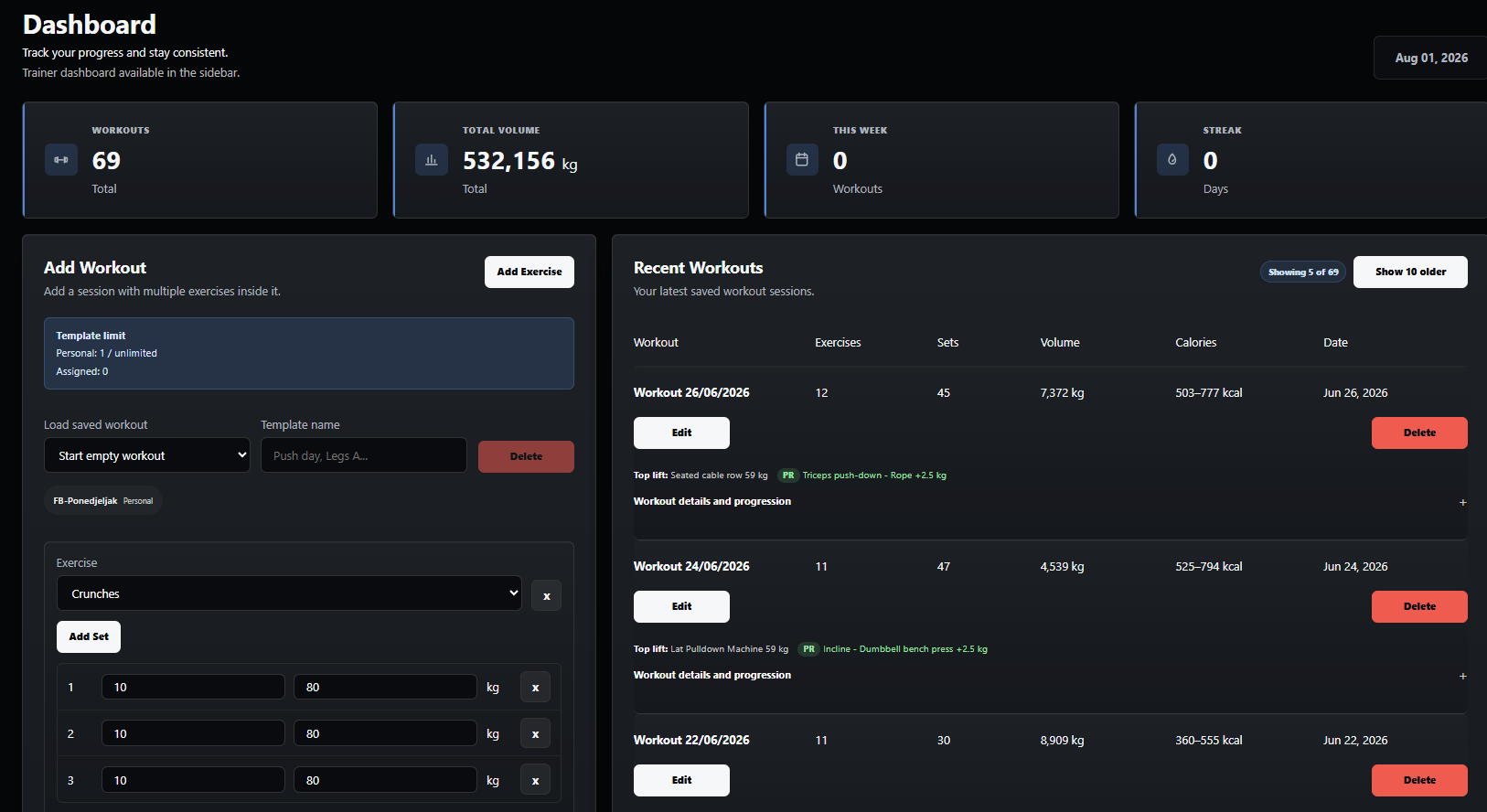
Athlete dashboard
See workout totals, volume, streaks, recent sessions, and the next workout in one view.
Training logs, coaching tools, measurements, and progress tracking in one place.
DK1 Fitness is designed for athletes who want a clean workout log and for trainers who need a practical system for clients, templates, and shared sessions. It keeps the focus on progression, not admin.
Free plans are intentionally limited. Paid plans unlock more templates and client capacity, while free athlete and trainer plans keep stats limited to the last 30 days.
These previews show the main parts of the app people spend the most time in.
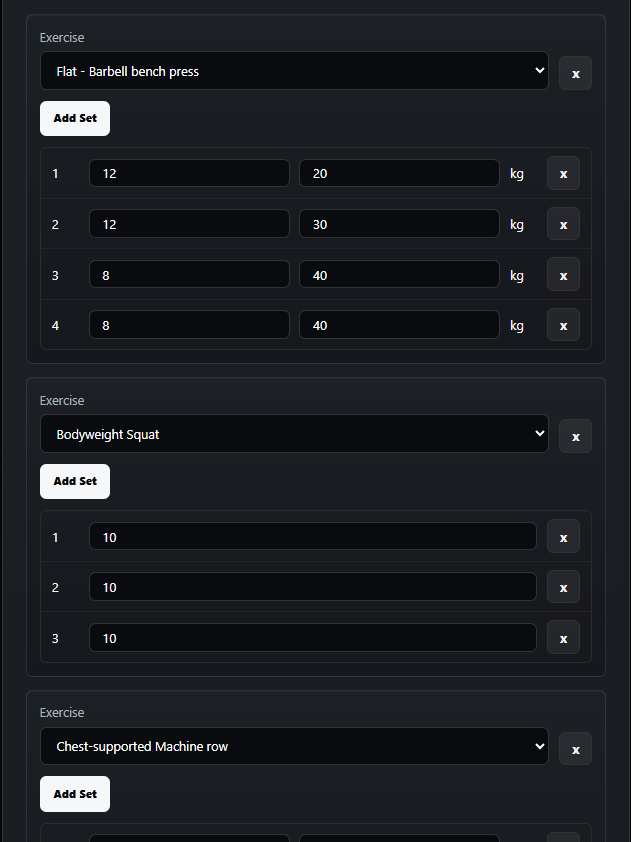
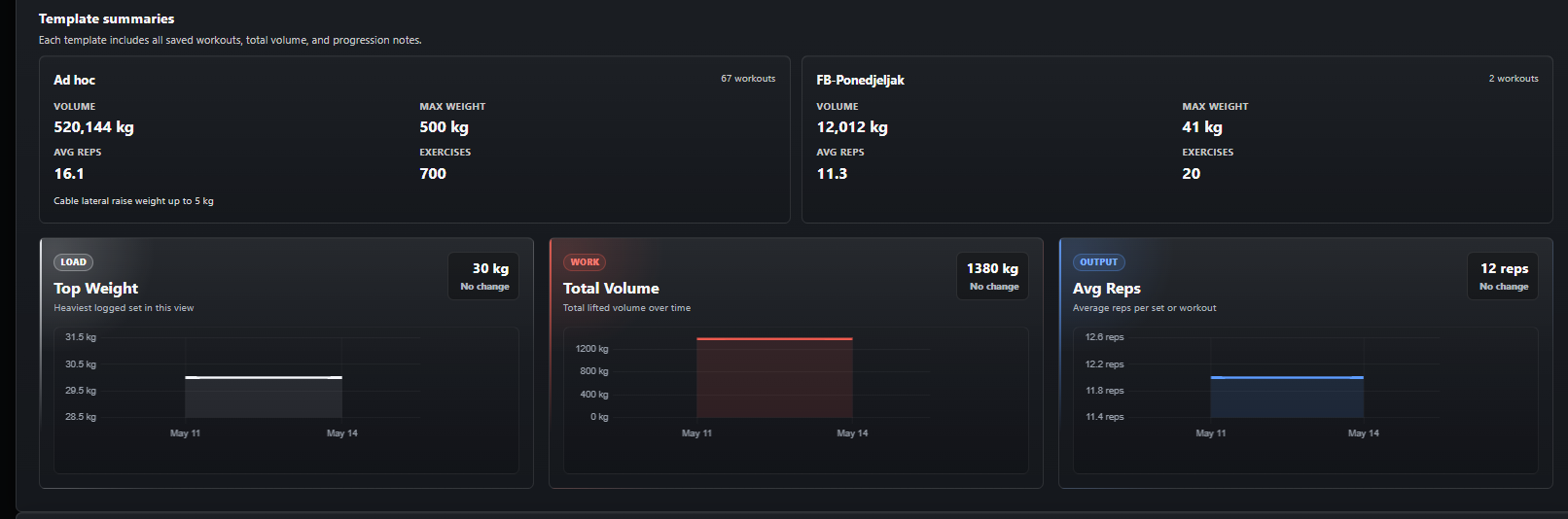
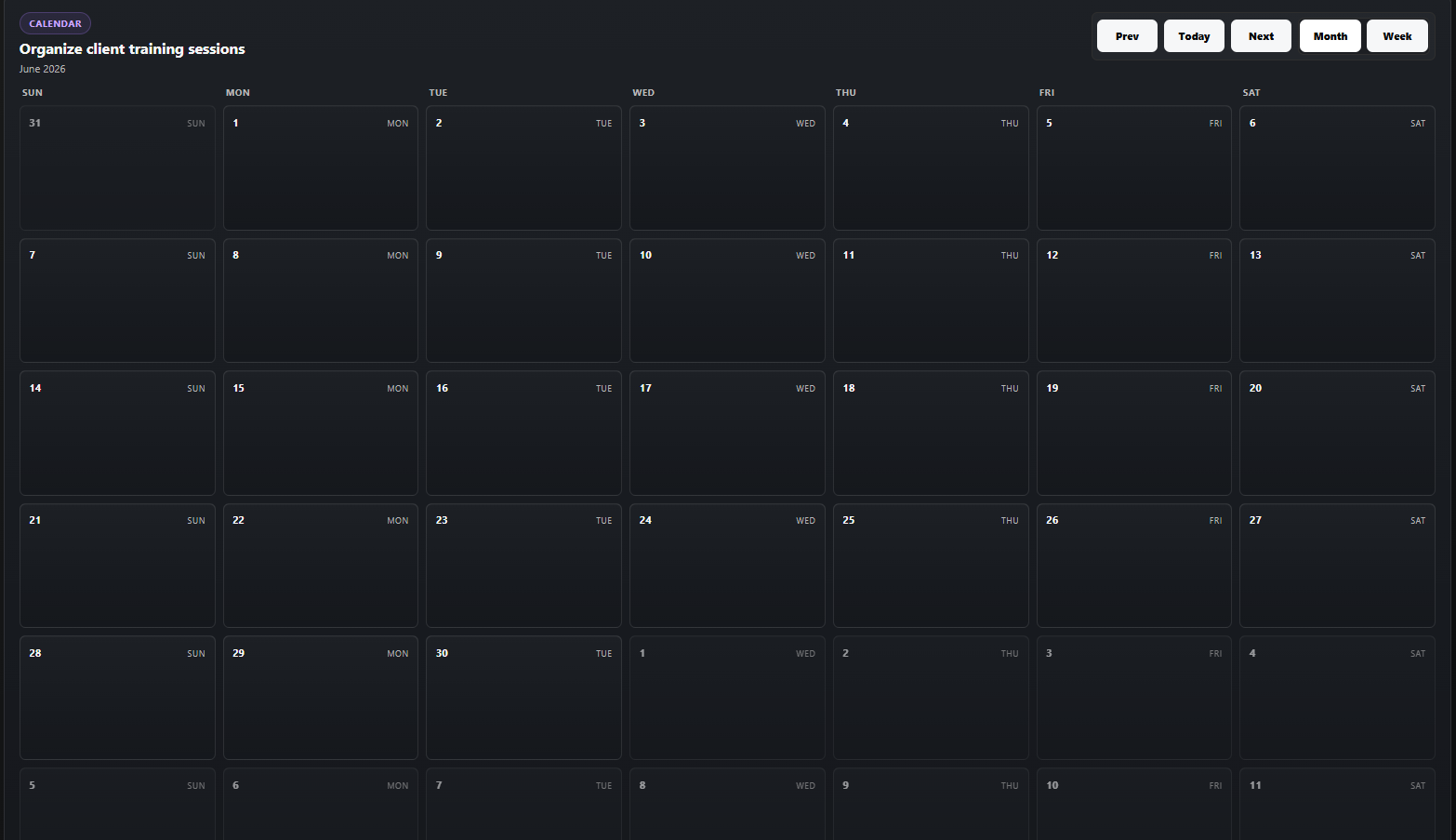
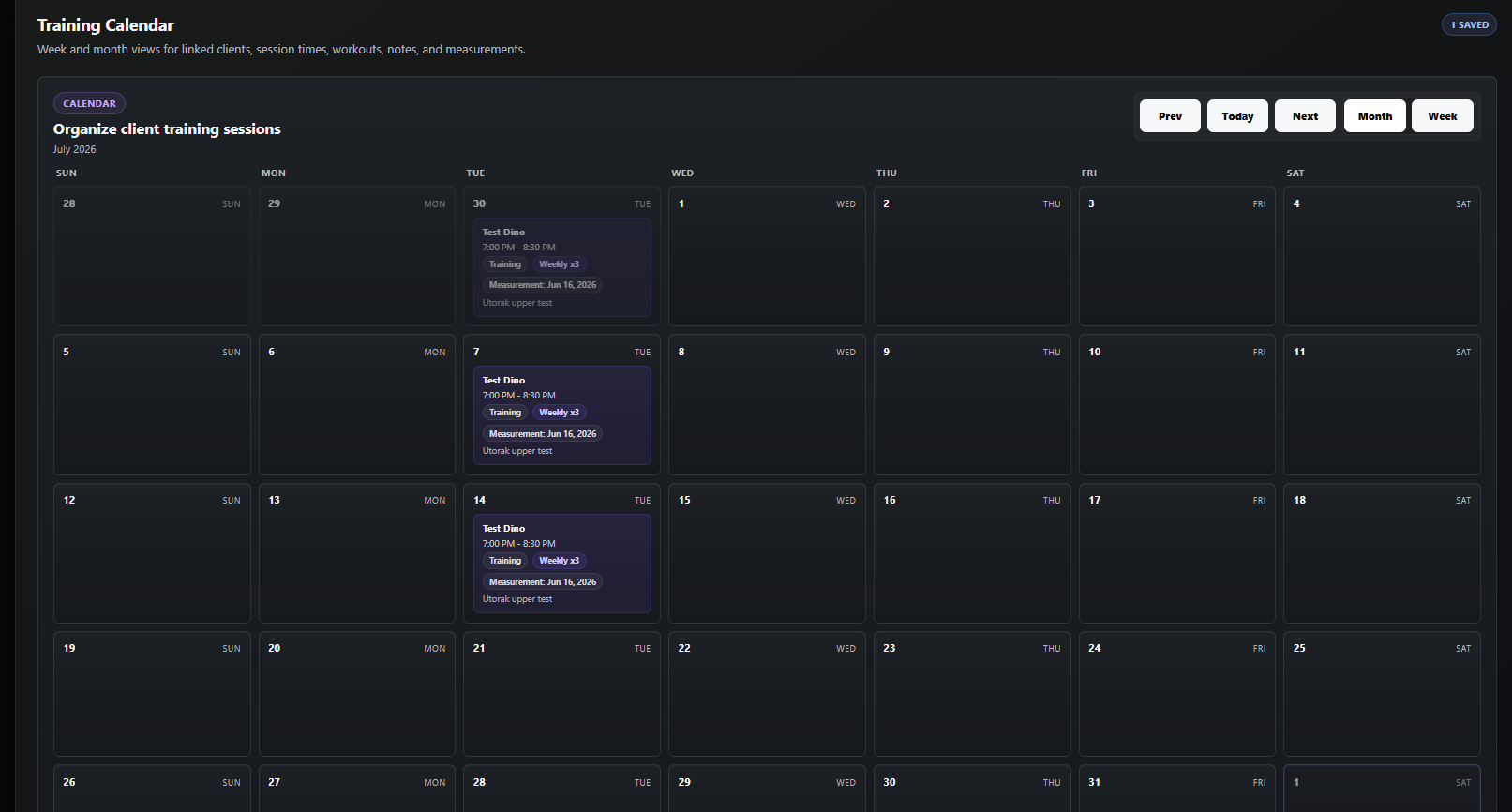
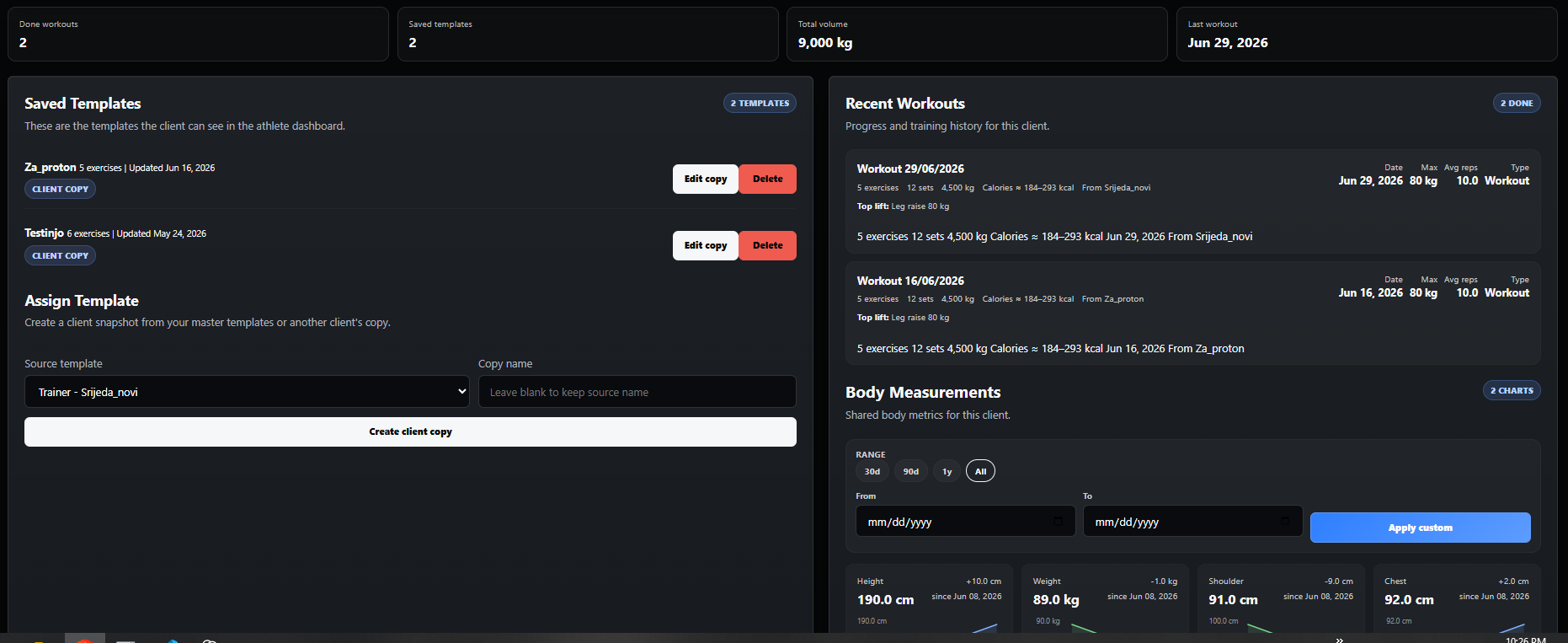
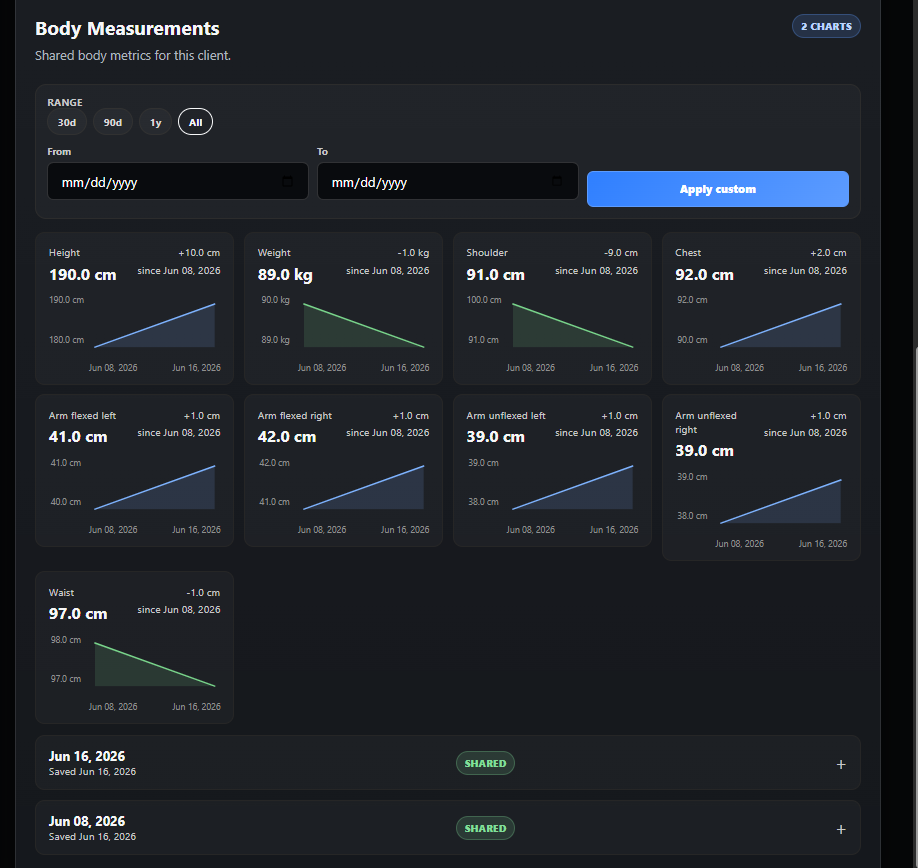
The app is intentionally simple enough for daily logging and structured enough for coaching workflows.
Keep your log current, spot progression trends, and review how your body and performance are changing over time.
Manage a client roster, build reusable programs, and review what clients actually did, not just what was planned. It is especially useful for online clients because they can log sessions and share measurements with you without needing to be in the same room.
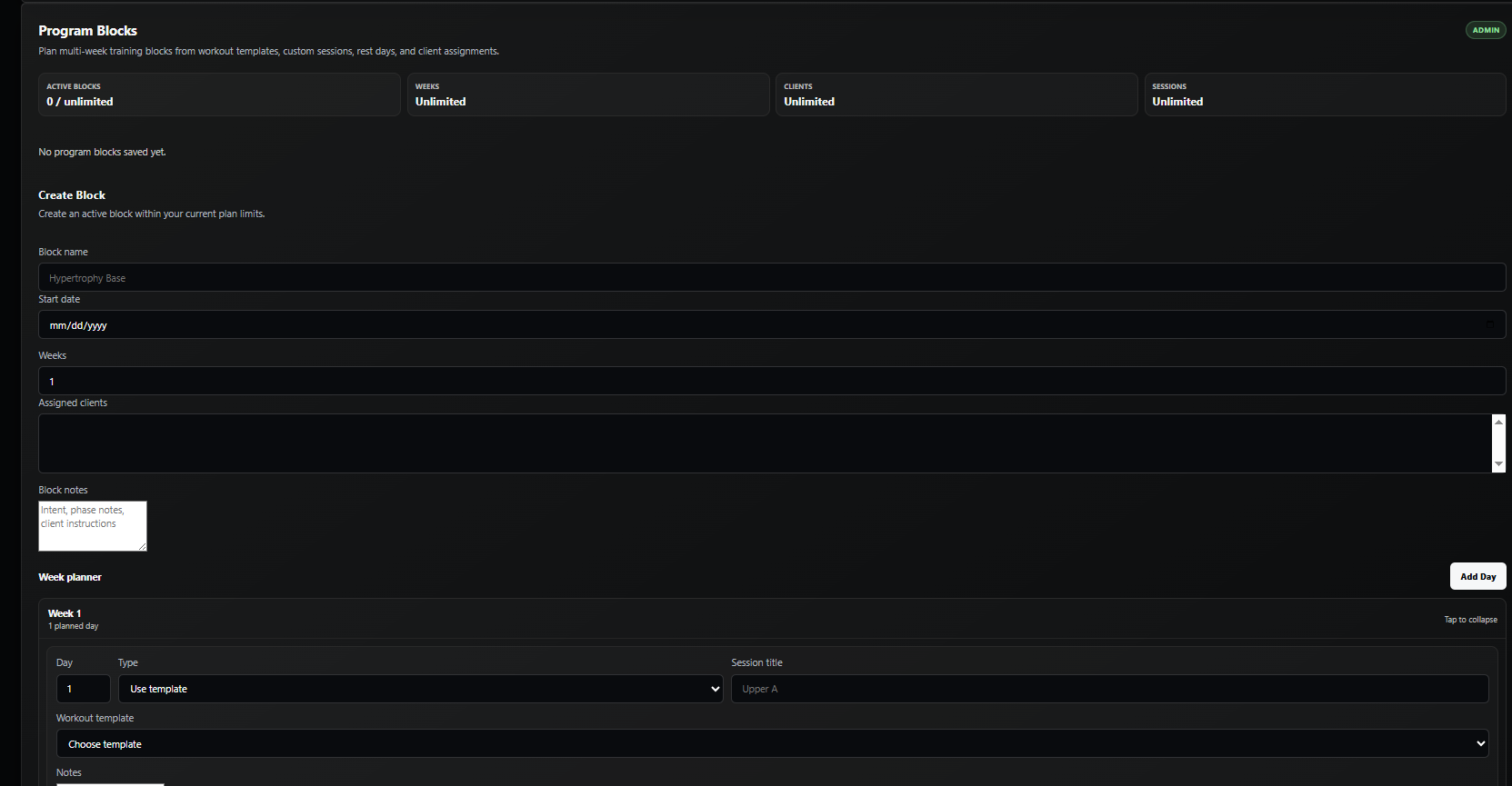
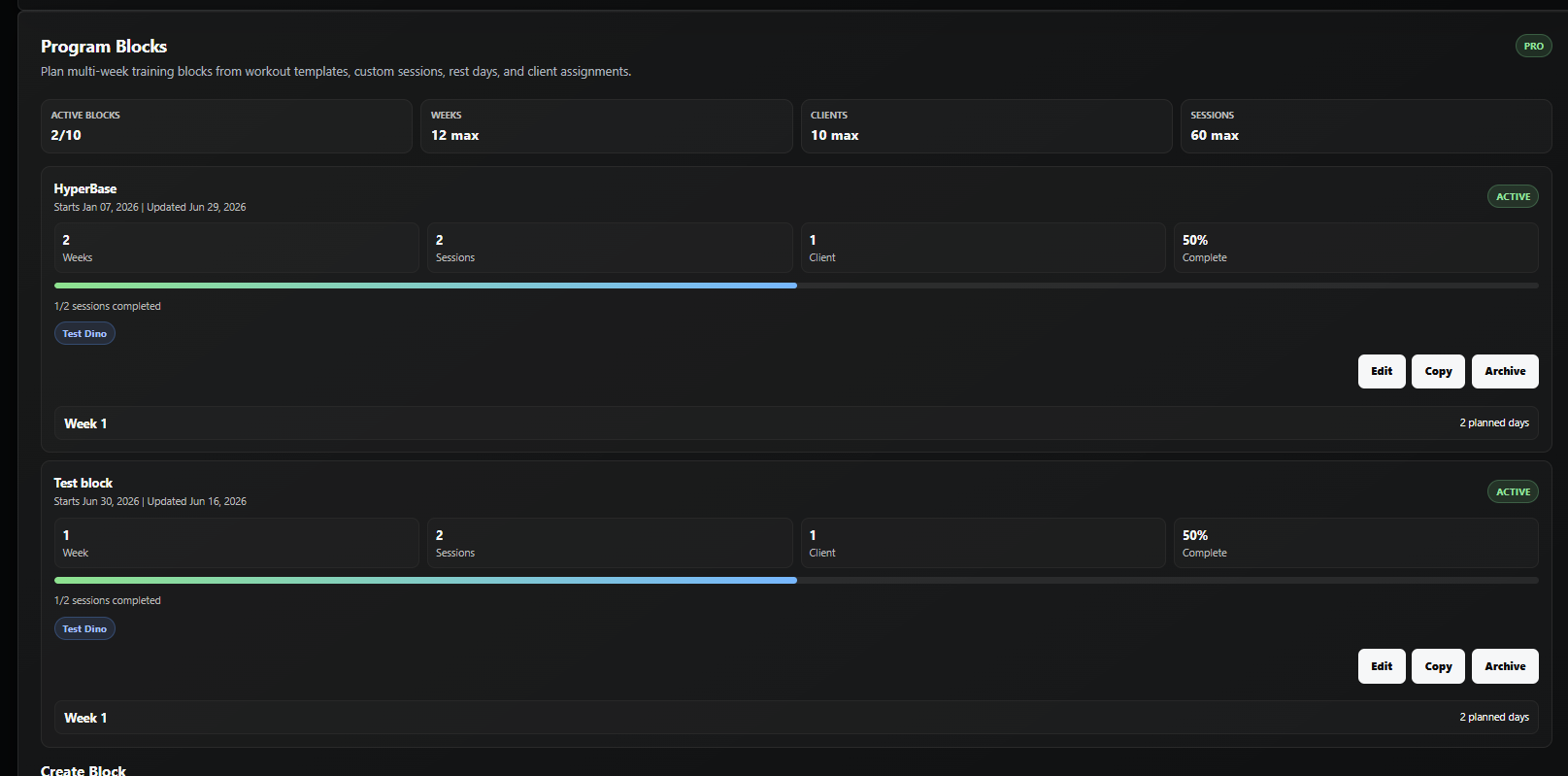
Program Blocks are the structured coaching layer between a trainer's templates and a client's completed workout history.
A trainer creates a block with a name, start date, number of weeks, notes, and assigned clients.
Assigned clients see the block on the athlete dashboard with week sections, day rows, progress, and completion status.
When the client saves a Program Block workout, it becomes a normal workout in their history and marks that block day complete.
These are the current plan limits that matter most for how people use the product.
| Plan | Best for | Includes | Limits / notes |
|---|---|---|---|
| Athlete Free | Trying the athlete side of the app |
Workout log and history
Charts and measurement tracking
|
3 personal templates
Workout dates are today only
Stats capped to last 30 days
|
| Athlete Starter | Regular self-coached training |
Full athlete dashboard
More template room
|
10 personal templates
Add workouts up to 7 days retroactively
Full history
|
| Trainer Free | Testing coaching tools or coaching one person |
Trainer dashboard
Client and program tools
Program Block builder
|
1 client
3 program templates
1 active Program Block
Up to 2 weeks and 3 planned sessions per block
Stats capped to last 30 days
|
| Trainer Pro | Growing coaching roster |
Full trainer workflow
Reusable templates and session review
Program Blocks with client completion tracking
|
10 clients
6 program templates
10 active Program Blocks
Up to 12 weeks and 60 planned sessions per block
Full history
Paid plans help cover hosting, storage, and ongoing development
|
Found a bug, have a suggestion, or want to request an improvement? Send it to support and it will go to the right place.
Email support@dk1fit.fit for bug reports, feature ideas, product feedback, or account questions.